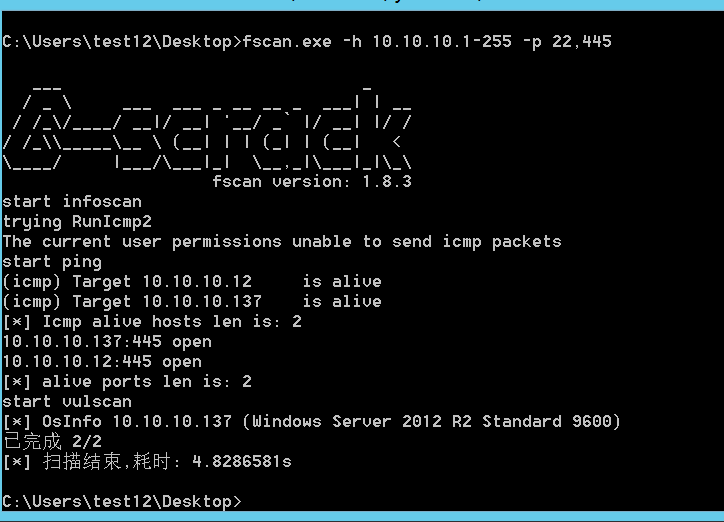
进入内网后要对当前网络环境进行判断
判断出当前机器所处网络环境的拓扑,以及当前电脑在内网是什么角色当前机器的权限
# 本机信息收集
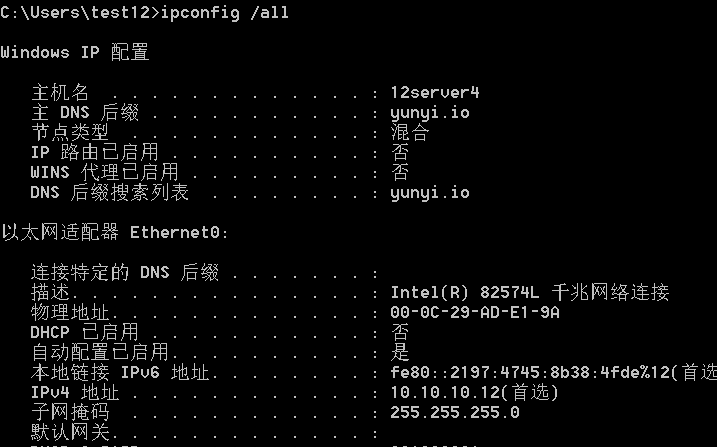
# 查询网络配置信息
ipconfig /all
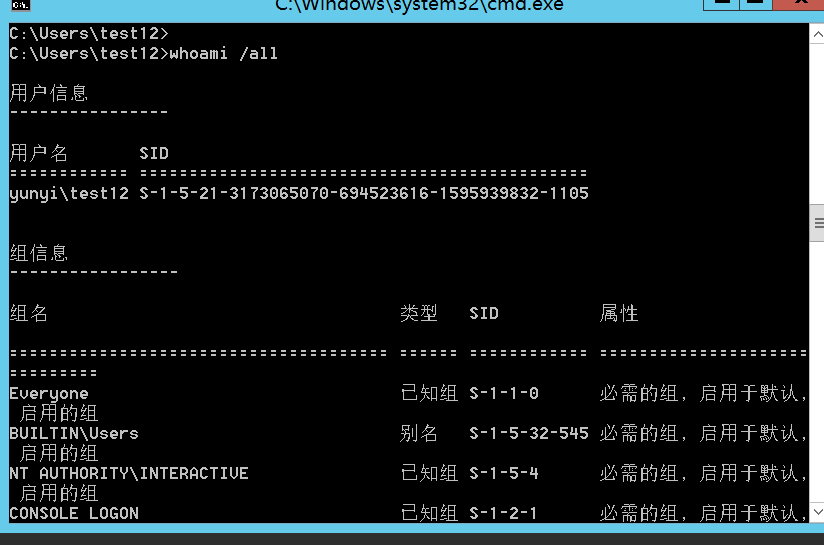
# 查看用户详细信息
whoami /all
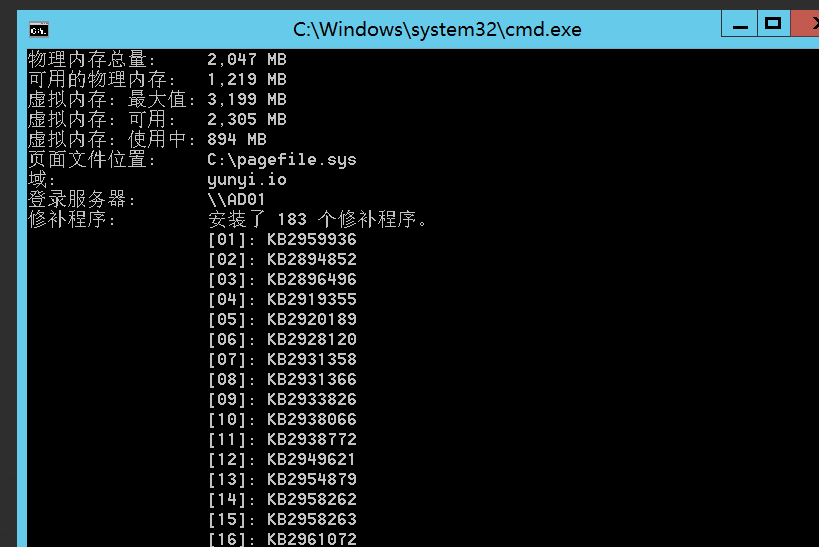
# 查看系统版本补丁等
systeminfo 可查看系统信息打了那些补丁为后续提权查找漏洞准备
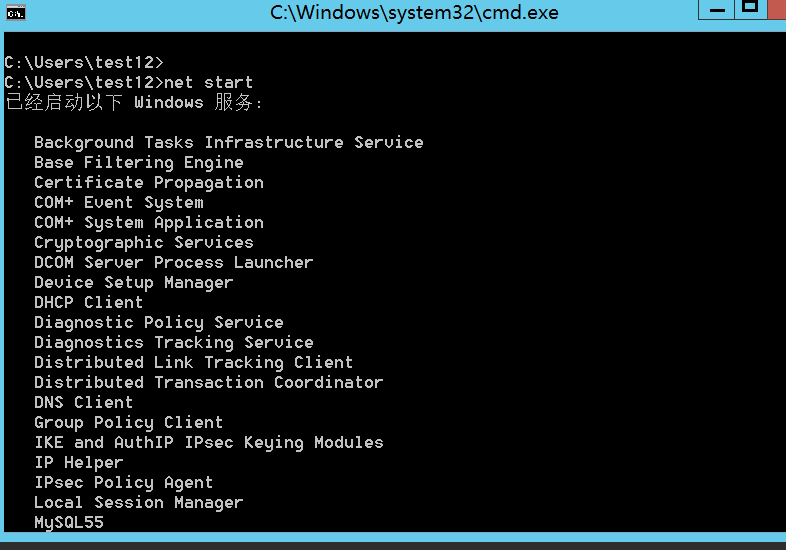
# 查看系统启动的服务
net start
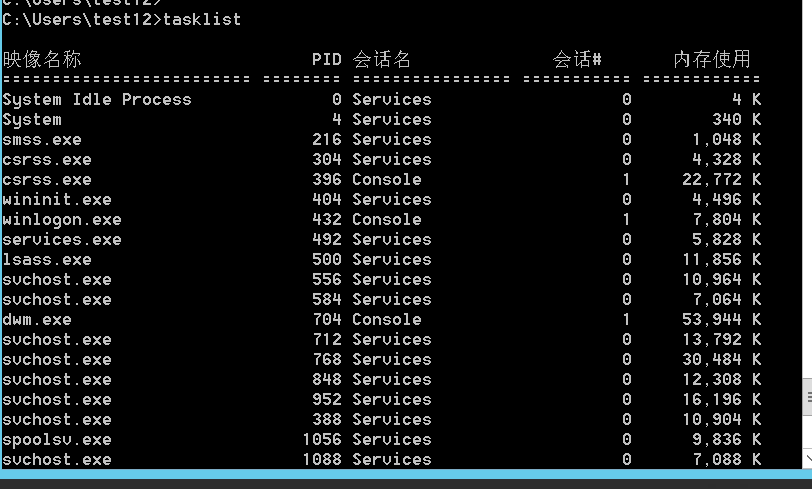
# 查看系统进程
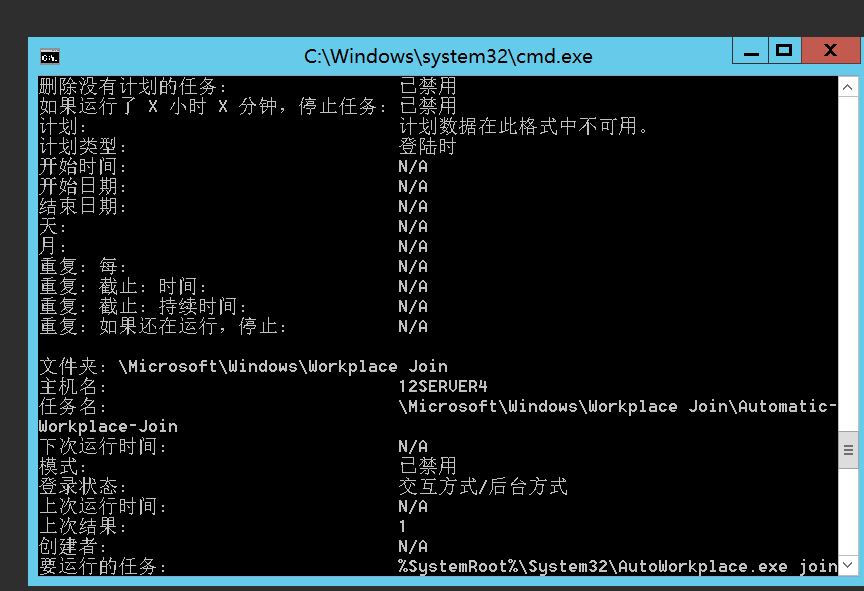
# 查看主机计划任务列表
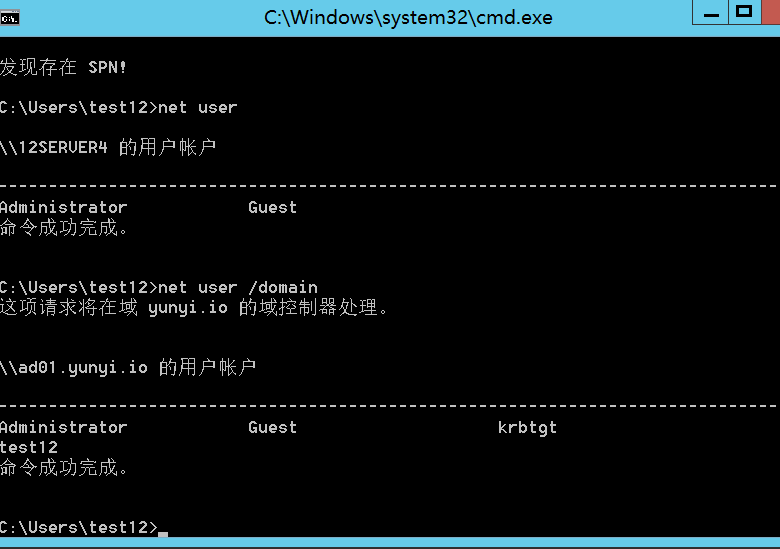
# 查看本机用户域用户
net user net user /domain
# 查询域数量
net view /domain
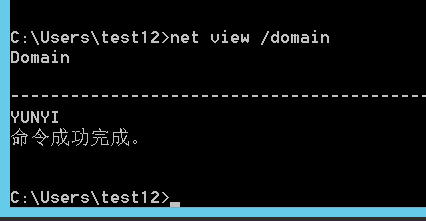
# 查询域组
net group /domain
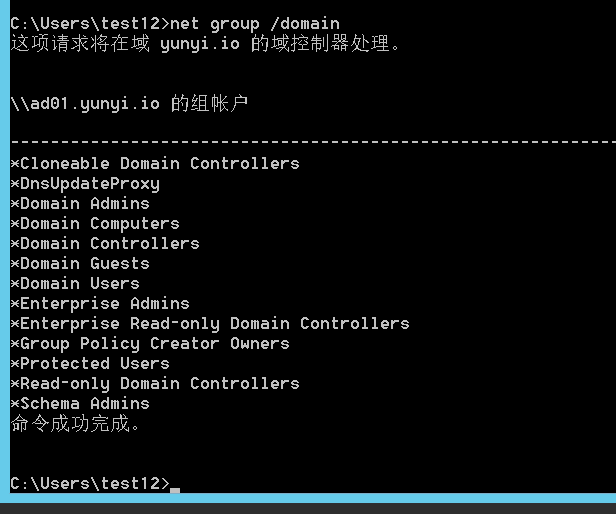
# 查询域中的 “Domain Admins” 组的成员
net group "domain admins" /domain
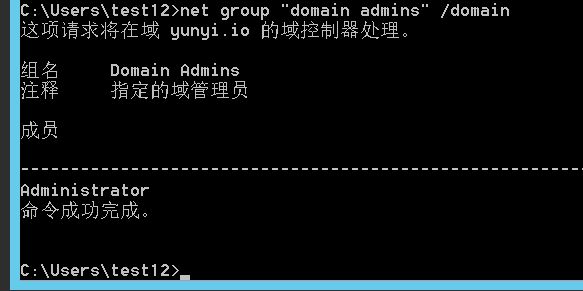
# 查询域时间主域名
net time /domain
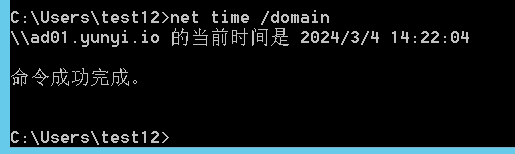
主域名为 ad01.yunyi.io
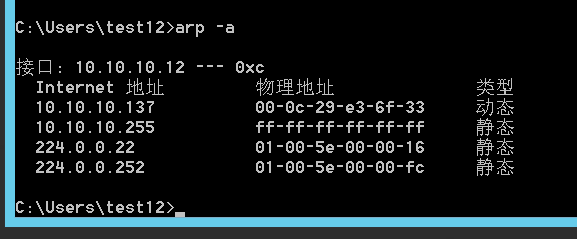
# 查 ARP 缓存
arp -a
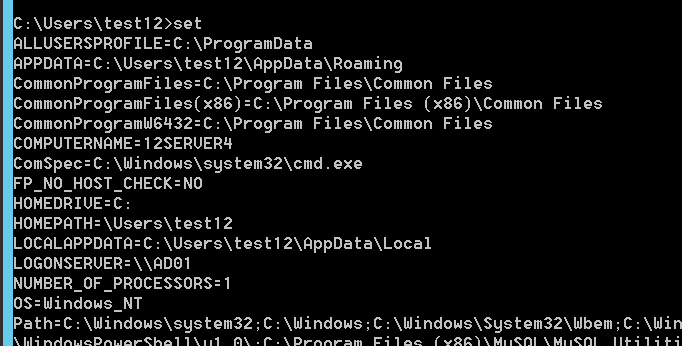
# 查环境变量
set
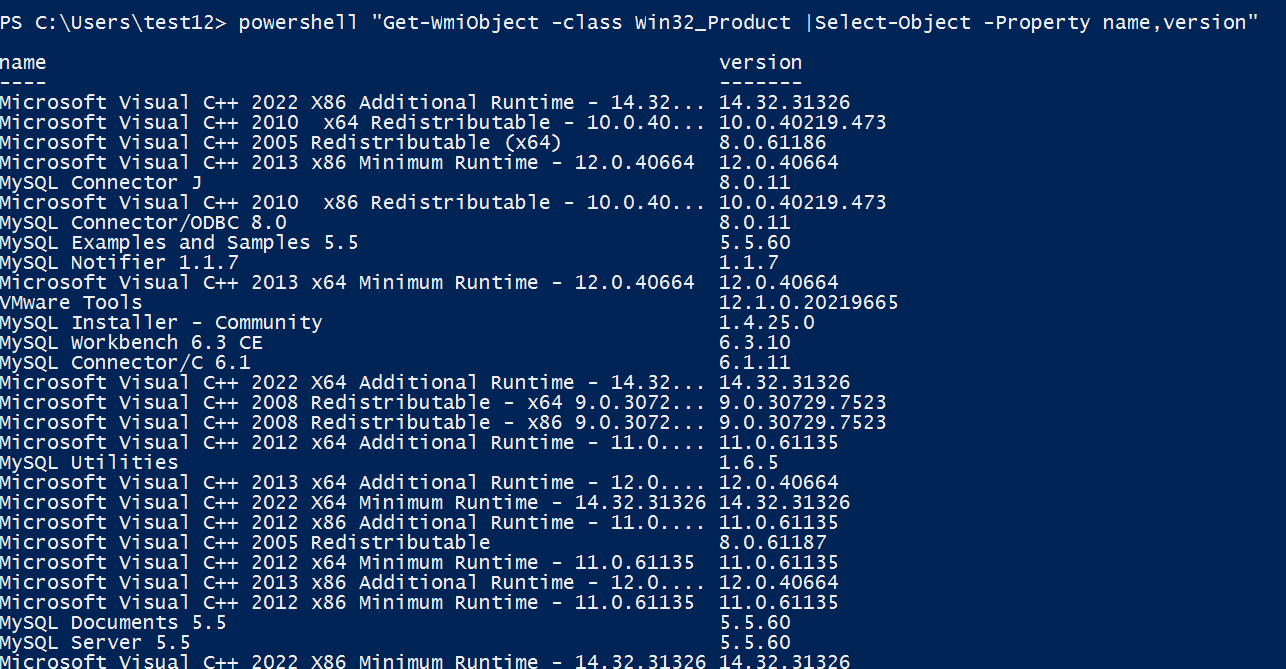
# 查看安装软件的版本信息
powershell "Get-WmiObject -class Win32_Product |Select-Object -Property name,version"
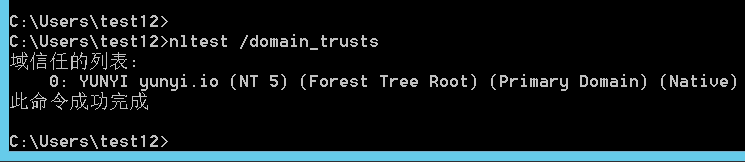
# 域信任列表信息
nltest /domain_trusts
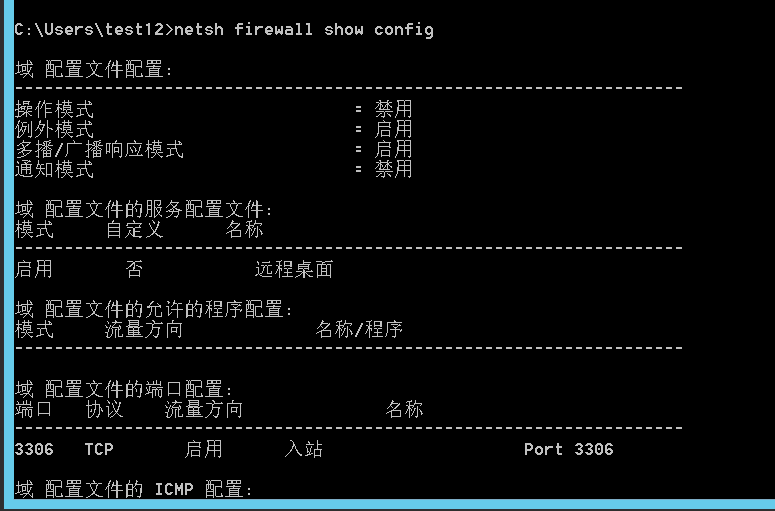
# 防火墙配置信息
netsh firewall show config
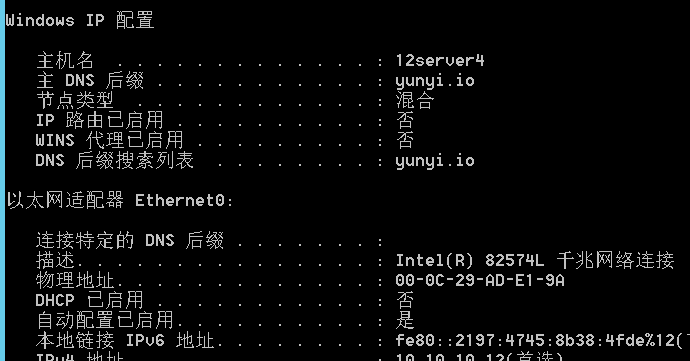
# 网络详细信息
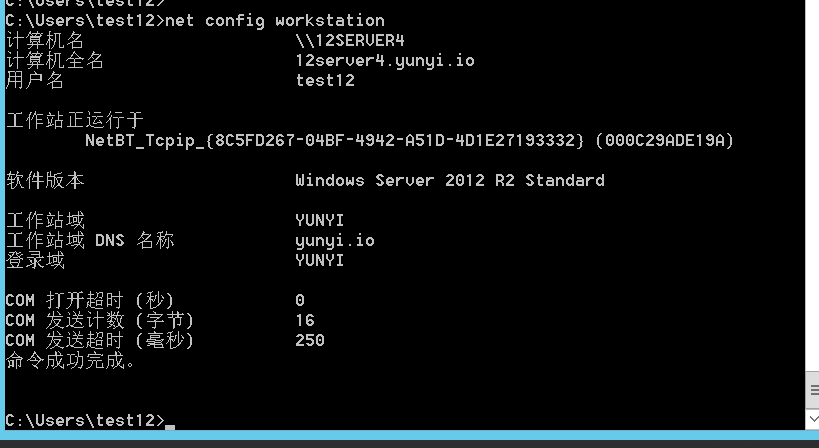
ipconfig /all 可看到有域 yunyi.io
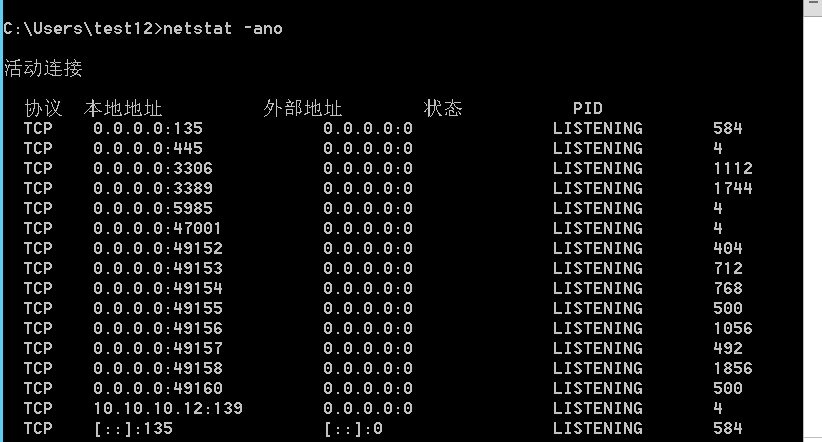
# 查看网络端口信息
netstat -ano
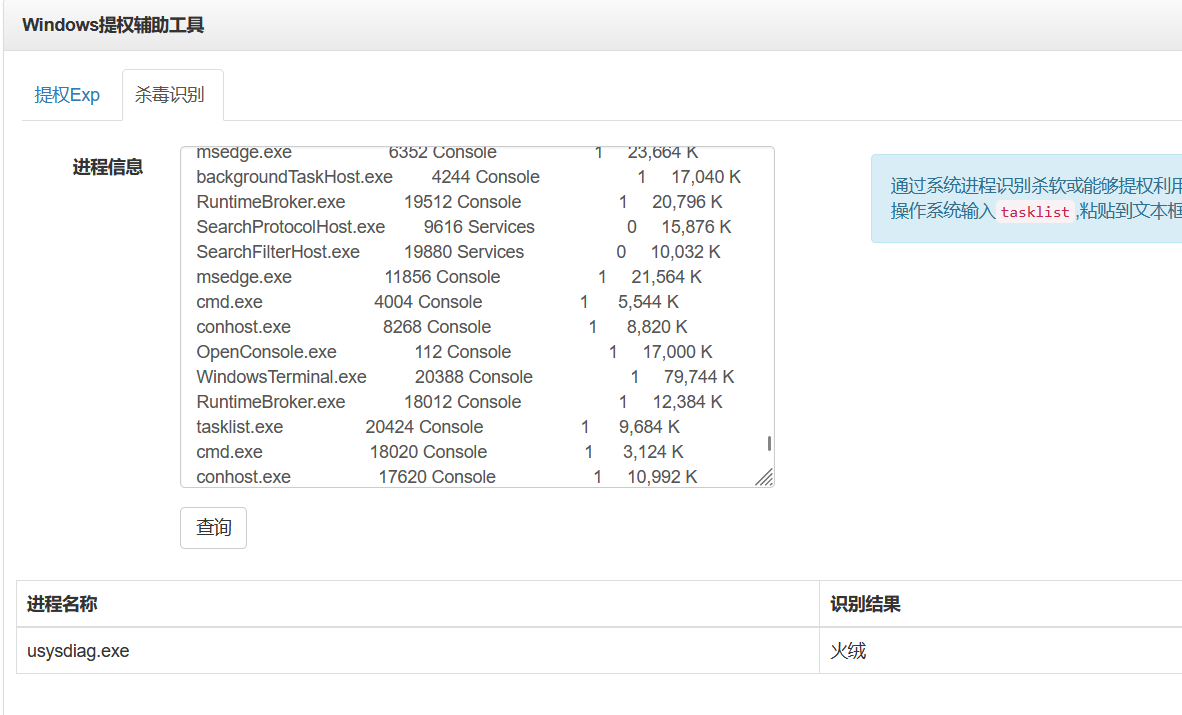
# 查杀软查提权
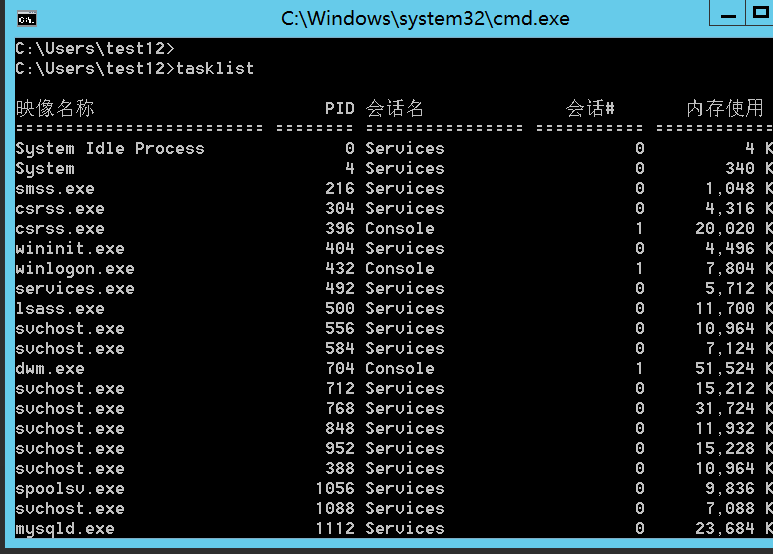
tasklist 查看当前计算机上所有进程的列表
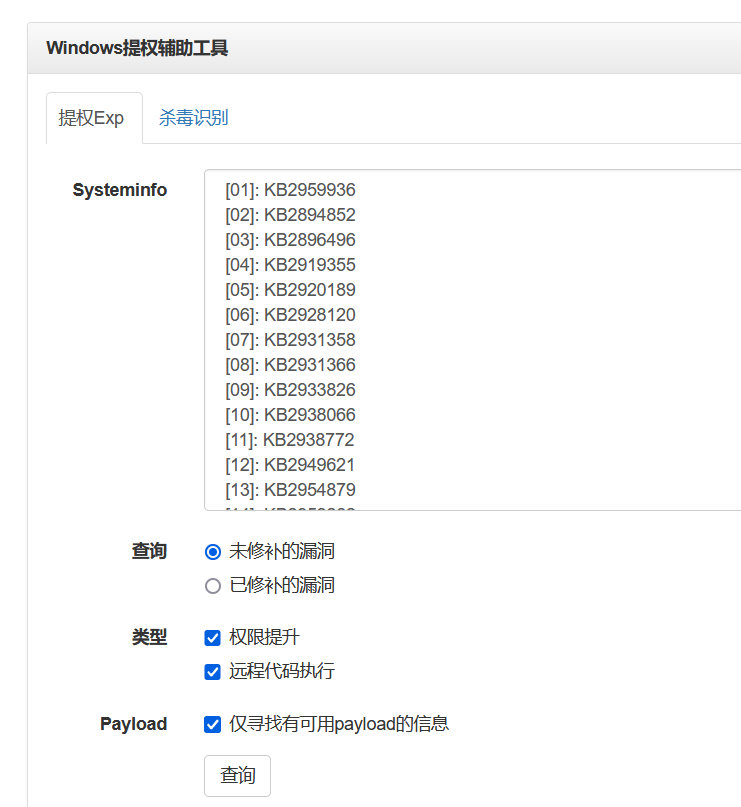
systeminfo
查完补丁信息可以去 https://i.hacking8.com/tiquan/ 查询
获取系统运行软件
识别杀软
查询当前工作环境
# 敏感文件密码收集
#指定目录下搜集各类敏感文件
dir /a /s /b d:\"*.txt"
dir /a /s /b d:\"*.xml"
dir /a /s /b d:\"*.mdb"
dir /a /s /b d:\"*.sql"
dir /a /s /b d:\"*.mdf"
dir /a /s /b d:\"*.eml"
dir /a /s /b d:\"*.pst"
dir /a /s /b d:\"*conf*"
dir /a /s /b d:\"*bak*"
dir /a /s /b d:\"*pwd*"
dir /a /s /b d:\"*pass*"
dir /a /s /b d:\"*login*"
dir /a /s /b d:\"*user*"
findstr /si pass *.inc *.config *.ini *.txt *.asp *.aspx *.php *.jsp *.xml *.cgi *.bak
findstr /si userpwd *.inc *.config *.ini *.txt *.asp *.aspx *.php *.jsp *.xml *.cgi *.bak
findstr /si pwd *.inc *.config *.ini *.txt *.asp *.aspx *.php *.jsp *.xml *.cgi *.bak
findstr /si login *.inc *.config *.ini *.txt *.asp *.aspx *.php *.jsp *.xml *.cgi *.bak
findstr /si user *.inc *.config *.ini *.txt *.asp *.aspx *.php *.jsp *.xml *.cgi *.bak


find /etc/ -name passwd -exec grep "root" {} \; > /tmp/test.txt
find /etc/ -name passwd -exec grep -H "root" {} \;
/etc/passwd:root:x:0:0:root:/root:/bin/bash
/etc/passwd:operator:x:11:0:operator:/root:/sbin/nologin
# 易受攻击的常见端口
80 / 8080 HTTP Web 攻击 \ 爆破 \ 对应服务器版本漏洞
443 HTTPS 同上
7001/7002 WebLogic 控制台 java 反序列化 \ 弱口令
8080 /8089 Jboss/Resin/Jetty/Jenkins 反序列化 \ 控制台弱口令
9090 WebSphere 控制台 java 反序列化 \ 弱口令
4848 GlassFish 控制台 弱口令
1352 Lotus domino 邮件服务 弱口令 \ 信息泄露 \ 爆破
10000 Webmin-Web 控制面板 弱口令
3306 MySQL 注入 \ 提权 \ 爆破
1433 SQLserver 注入 \ 提权 \SA 弱口令 \ 爆破
1521 Oracle 数据库 TNS 爆破 \ 注入 \ 反弹 Shell
5432 PostgreSQL 数据库 爆破 \ 注入 \ 弱口令
27017 / 27018 MongoDB 爆破 \ 未授权访问
6379 Redis 数据库 可尝试未授权访问 \ 弱口令爆破
5000 SysBase/DB2 数据库 爆破 \ 注入
25 SMTP 邮件服务 邮件伪造
110 POP3 协议 爆破 \ 嗅探
143 IMAP 协议 爆破
53 DNS 域名系统 允许区域传送 \DNS 劫持 \ 缓存投毒 \ 欺骗
67 / 68 DHCP 服务 劫持 \ 欺骗
161 SNMP 协议 爆破 \ 搜集目标内网信息
2181 Zookeeper 服务 未授权访问
8069 Zabbix 服务 远程执行 \ SQL 注入
9200 /9300 Elasticsearch 服务 远程执行
11211 Memcache 服务 未授权访问
512 / 513 /514 Linux Rexec 服务 爆破 \ Rlogin 登陆
873 Rsync 服务 匿名访问 \ 文件上传
3690 Svn 服务 Svn 泄露 \ 未授权访问
50000 SAP Management Console 远程执行
# 存活主机探测
# icmp 协议探测
win
for /L %I in (1,1,254) Do @ping -w 1 -n 1 10.10.10.%I | findstr "TTL"
linux
for k in $( seq 1 255);do ping -c 1 192.168.7.$k|grep "ttl"|awk -F "[ :]+" '{print $4}'; done
但是速度太慢
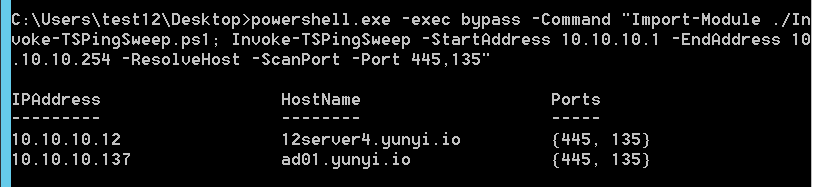
# Invoke-TSPingSweep.ps1
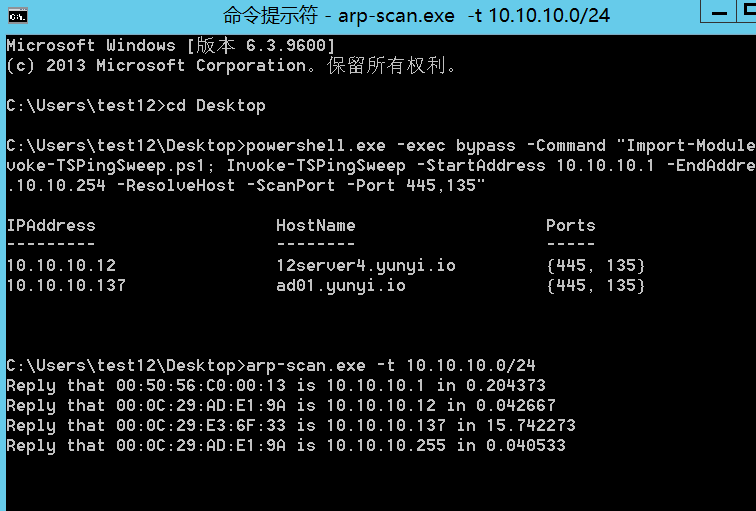
powershell.exe -exec bypass -Command "Import-Module ./Invoke-TSPingSweep.ps1; Invoke-TSPingSweep -StartAddress 10.10.10.1 -EndAddress 10.10.10.254 -ResolveHost -ScanPort -Port 445,135" |
# ARP-scan
arp-scan -t 10.10.10.0/24
# nbtscan
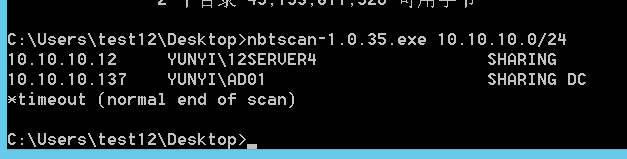
http://www.unixwiz.net/tools/nbtscan.html
nbtscan 10.10.10.0/24
# tcping
https://elifulkerson.com/projects/tcping.php
tcping -n ip 端口

# fscan
https://github.com/shadow1ng/fscan
fscan.exe -h 10.10.10.1-255 -p 22,445